Killer Sudoku
The Light Bulb
Megafuana refers to this as the "Hint" button, but there are more than hints on offer here.
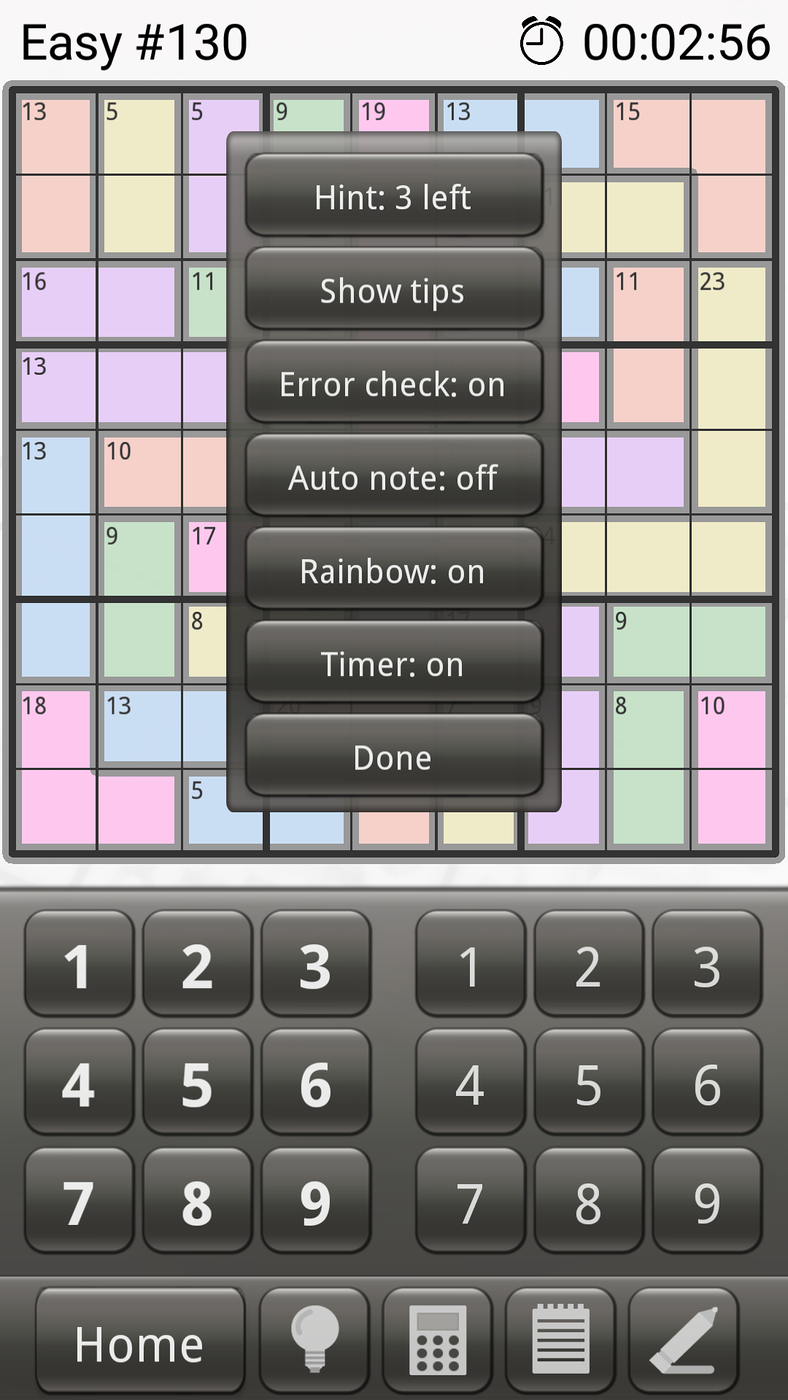
The "Hint" screen
The Hint button
This does nothing more than enter a solution number in a random cell on the board. You are allowed three of these "hints" per game. Doing a "Clear All" from the Pencil/Eraser button resets the counter back to zero in addition to clearing the board.
The only Sudoku type app I have come across which has a decent hint system is Enjoy Sudoku.
The Show tips button
The show tips button gives a series of help screens about various aspects which may be useful in solving the puzzle. It rehashes a lot of what is given from the help button on the home page.
The Error check button
When this is on, it will warn you when an incorrect solution number has been entered. The number is red instead of black.
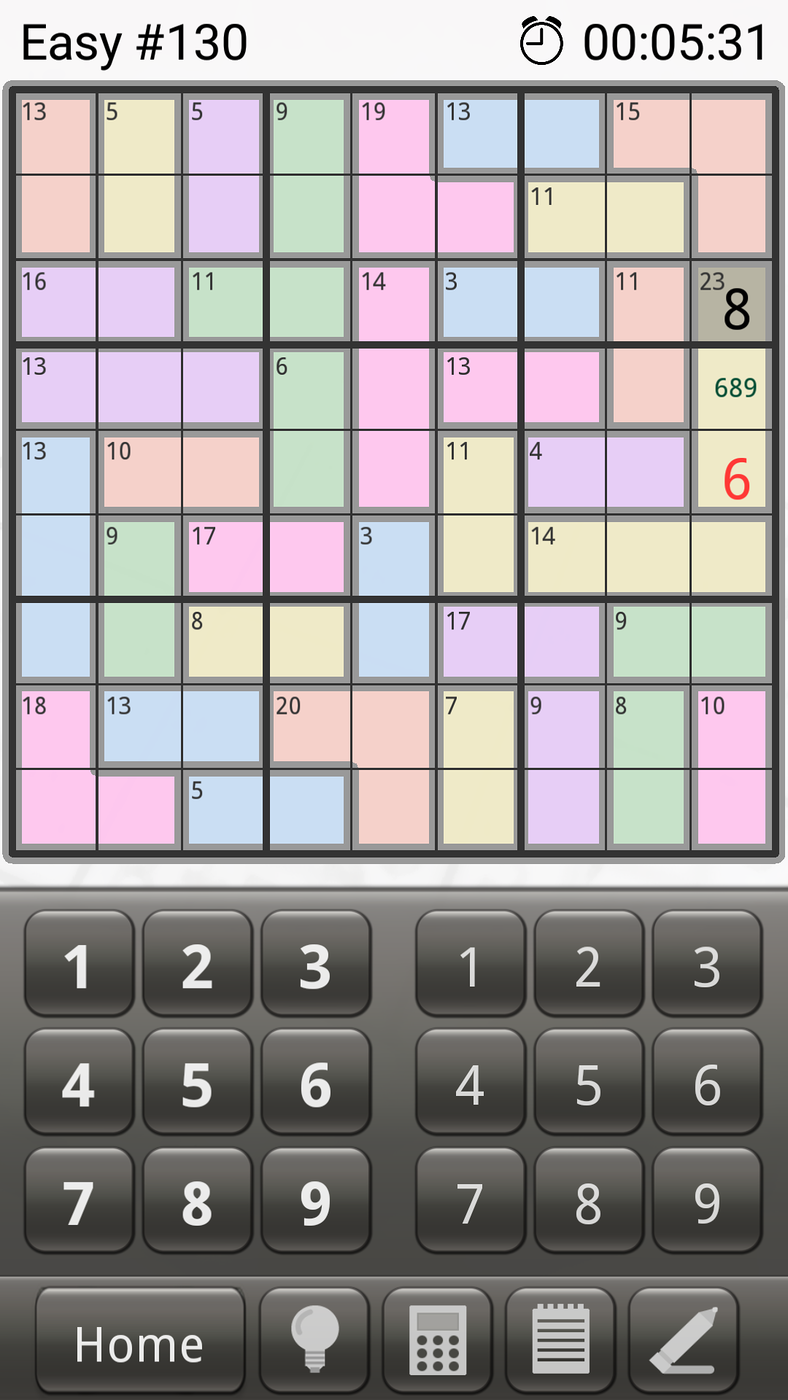
Showing an error solution number
Auto note button
If this is on, as solution numbers are entered onto the board, they are deleted from the pencil marks in the relevant rows and columns. It doesn't seem to work quite as expected.
With the method I use to eliminate possibilities, I prefer to have this off.
Rainbow button
This button removes the colours from the cells. It is sometimes easier to see the cage boundaries when the colours are not present.
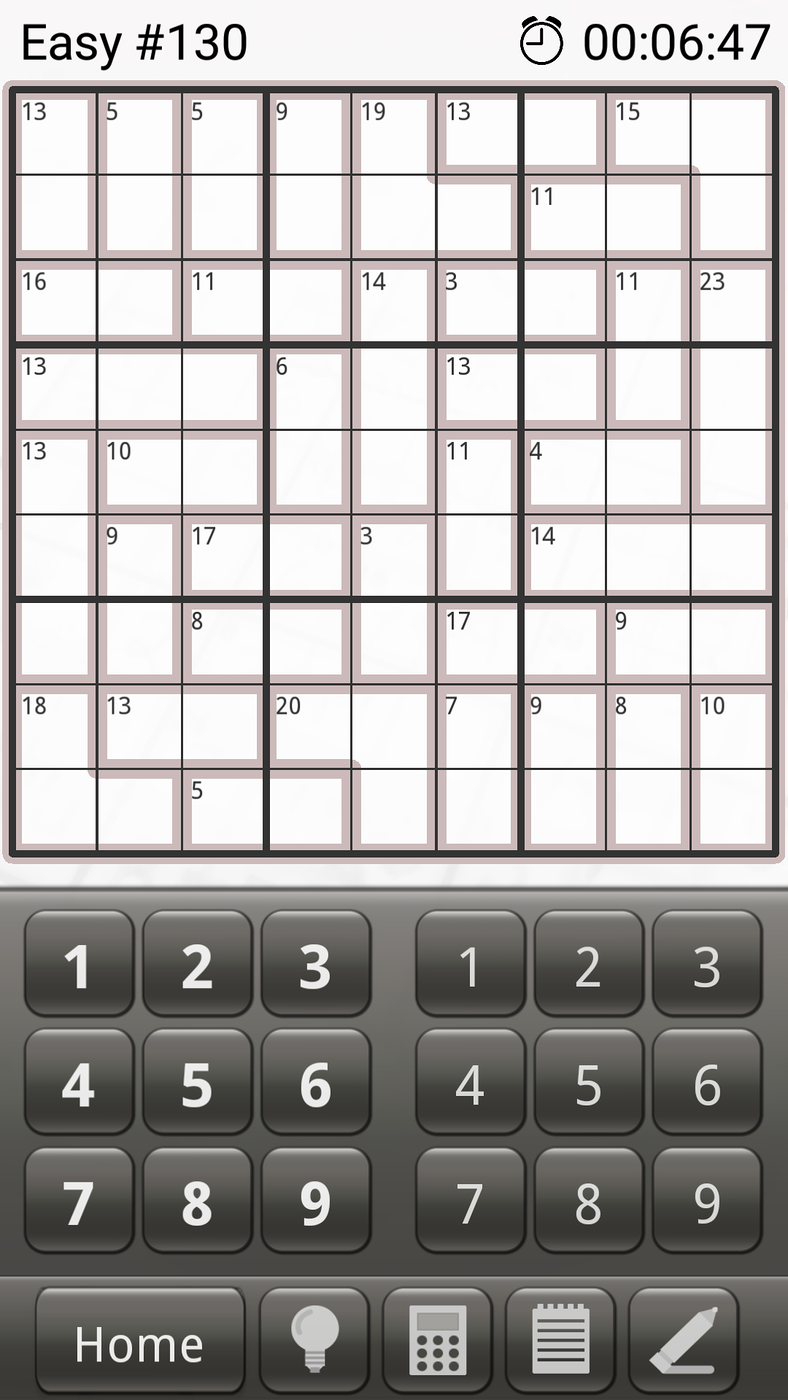
Showing an error solution number
Timer button
This shows or hides the timer on the top right. The timer still runs regardless of whether it's visible or not.
