Linux Operating System
Kubuntu upgrade 20.04 to 22.04
I normally upgrade my Ubuntu based operating systems two years after they are released. By doing this, I am reasonably certain that the operating system I am upgrading to is stable. Experience has shown that newly released operating systems, even if they are LTS versions, are full of bugs. I rather wait until just before the release of the newest LTS version before upgrading to the previous LTS version.
I have been using Kubuntu for a long time as I prefer the interface to Ubuntu proper. As the Ubuntu core system underlies the Kubuntu GUI, much of the operating system is Ubuntu based.
Ubuntu has a command line utility which can run the upgrade
sudo do-release-upgrade
which historically has been a bit of a hit and miss affair for me. Moving to 20.04, was a bit easier as I had to do a clean install due to having replace my boot disk. In spite of the clean install, and regular updates, things still broke after some updates. This then required much searching (and swearing) to fix the problems.
Canonical have introduced a GUI update manager (called Software Updater) which I decided to install on Kubuntu and try when doing the OS upgrade to 22.04.
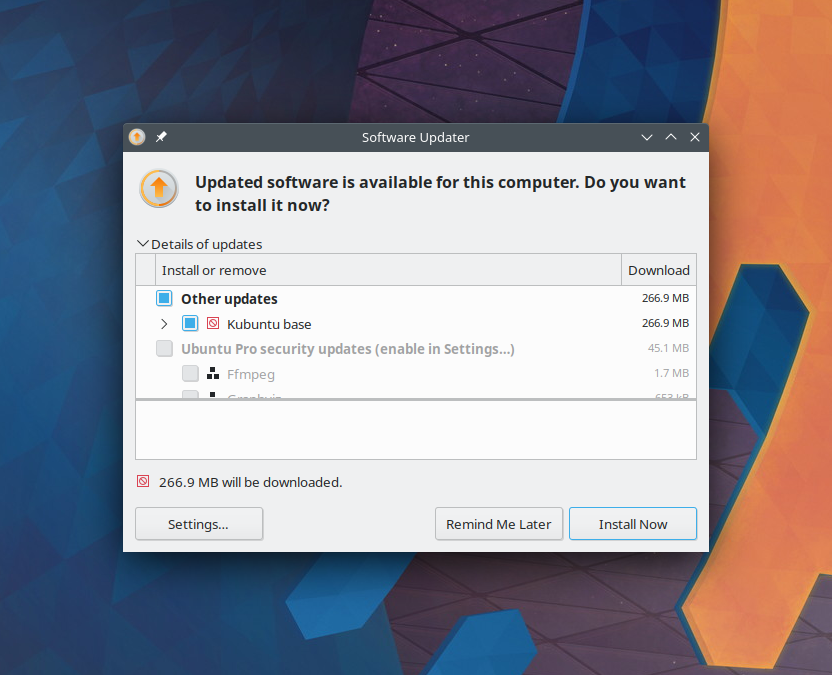
Software updater checking that all the latest updates have been installed
As with the command line update, the Software Updater requires that the current OS version be up to date and that all of the older kernels be uninstalled (it prompts you to do this). Once that is done, the updater will allow the upgrade to proceed.
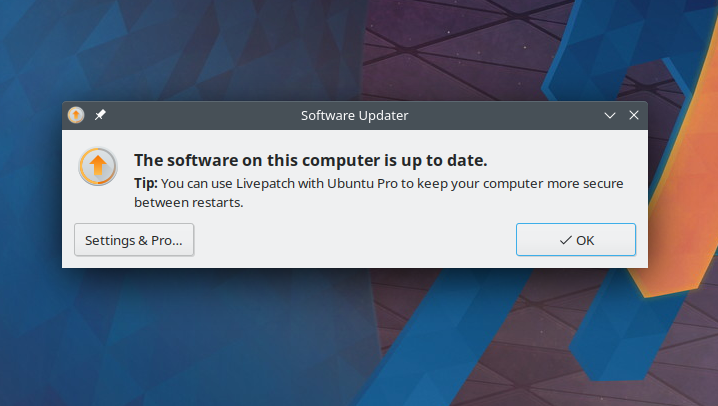
Software updater ready to proceed (except here it has already done the upgrade)
This has to be the most painless version upgrade I have ever attempted. It asked me virtually no questions, and updated the necessary files within half an hour.
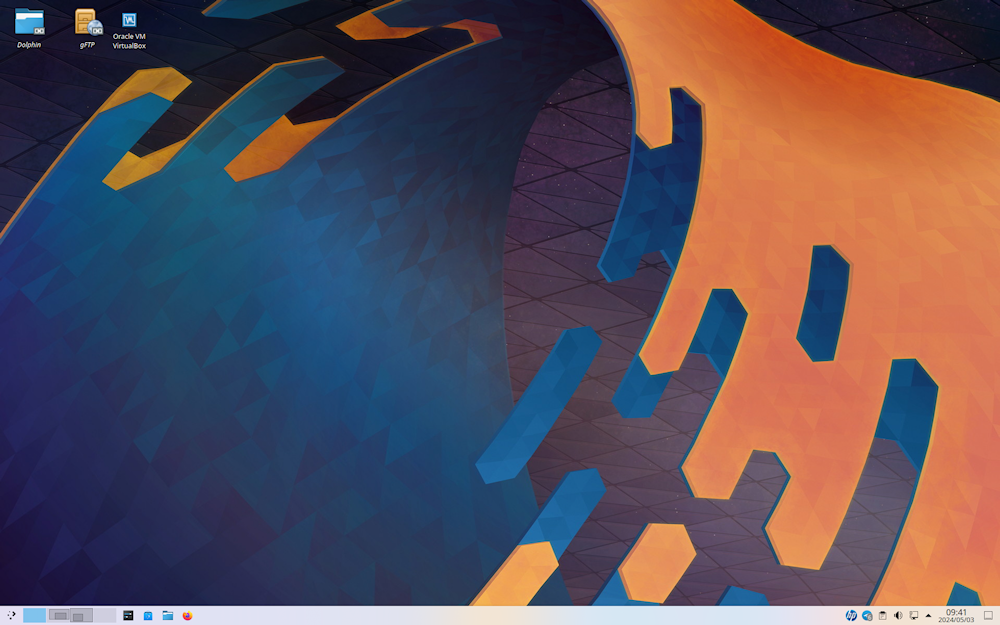
Upgrade completed with latest KDE wallpaper
With a version upgrade I always dread what is going to be destroyed. The usual suspects are the hosts file (is my desktop going to retain its IP address); the smb client file (important for being able to copy files from mobile devices to the host); and my major scare is the upgrade app asking about the disk partitions. These all remained untouched during this upgrade - I was very impressed.
The expected kernel upgrade to v6.5 did not occur. The kernel was upgraded to v5.15. Everything, including my VirtualBox, worked without any really noticeable changes.
About four weeks later I did some software updates (the delay in updating was due to a bout of Corona). With these updates, the kernel was updated to v6.5, which also required me to update the VirtualBox.
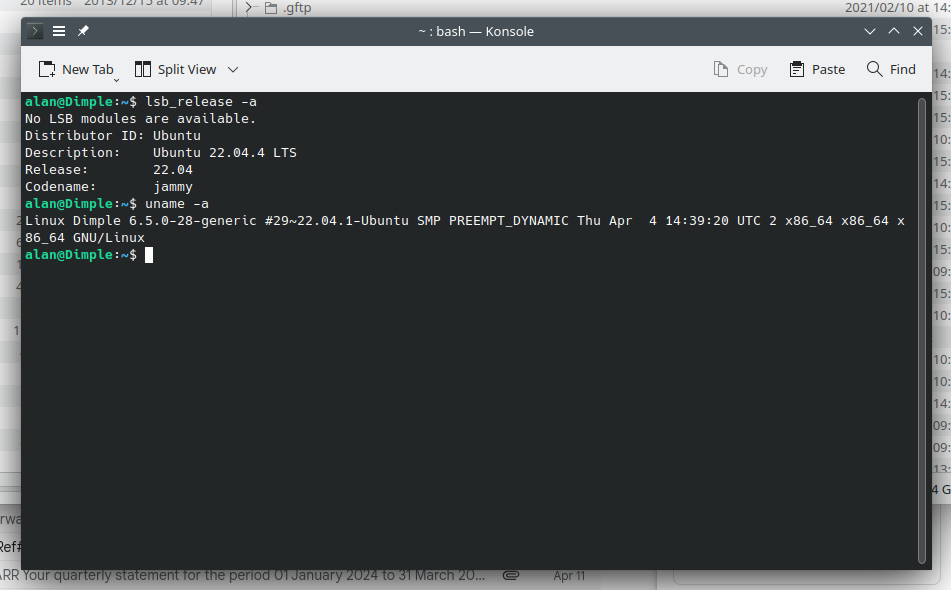
Upgrade completed with kernel V6.5 and Ubuntu updated to Jammy 22.04
There are some funny problems with VirtualBox which I see on starting up and shutting down my PC, but I can still access my virtual OS. [Update 16 May 2024] The problem seems to have been fixed with VirtualBox v7.0.18.
As I said, I am really impressed with the way this upgrade proceeded.
(updated: 5 May 2024)
