Android Hardware
Samsung Galaxy Note 3
I have had my original Note (N7000) since the middle of 2012 when I bought it second-hand from a member on the MyBroadband Forums. This phone has served me well, and taught me quite a bit about Android in general and Samsung's Touchwiz in particular. I updated it to vanilla Android 4.1.2 (Samsung's last update for the phone). One of the problems with this phone was the seemingly random crash logs it created in /data/log. This filled up the system storage, as they were rather large (~500MB), which resulted in the OS not being able to install or update any apps. It also made the system very slow. As a result, I rooted the phone just to delete these files. In spite of this problem, I really enjoyed using the phone, especially the S-Pen, with apps like Myscript Smart Note and Myscript Stylus Keyboard. Both of these apps allows one to use handwriting to input data to the phone. I also really liked the huge size of the phone, especially coming up from something as small as the Sony Xperia X10 Mini Pro (U20i).
Recently, the N7000 has gotten unbearably slow to use, taking ages to swop between apps and load them, so I started looking for a replacement phone. I found a second hand Note 3 for sale, again on the Mybroadband forums. The phone was in really good nick, and the asking price was pretty reasonable. The previous owner had also done a factory reset on the phone and updated the OS to 5.0.0 (Samsung's latest for the phone). The previous owner also included a 64GB SD card and a couple of covers with the phone.
The first thing I did when I got home was to root the phone. I used Chainfire's autoroot which uses Odin. Not having a Windows machine, I had to do the update in a Virtualbox. However, that worked with no problem (I also used the same method with my 2012 Note 10.1 (N8000)).
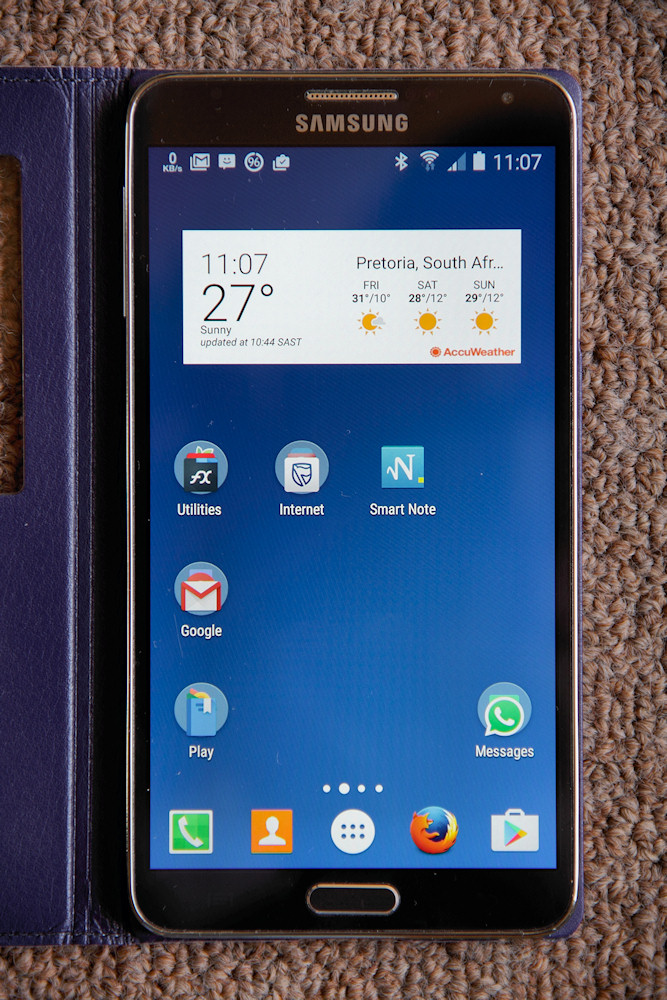
My default screen for the Note 3
As the phone uses a micro-SIM, I had to take the SIM from my N7000 to a local cellphone repair shop to have it clipped to size. That worked with no problem. While in the shop, I found a clone of the Samsung S-View cover . This is a really nice addition for the newer Samsung phones, which allows one to activate several features of the phone without opening the cover (such as answering the phone). Opening the cover also activates the phone in the last active app.
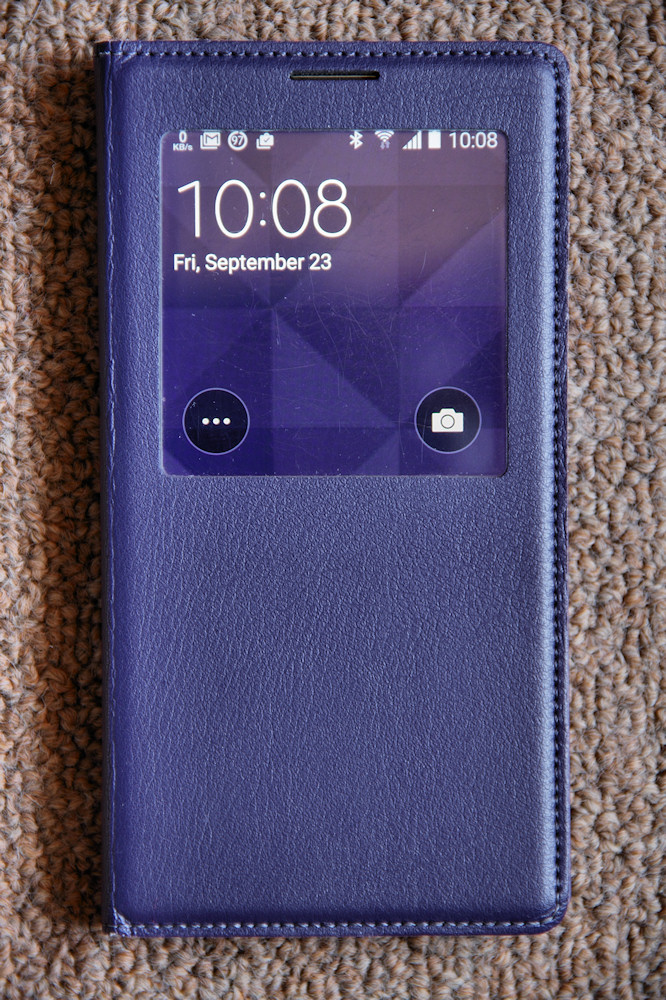
The S-View screen on the Note 3
Irritations with the Note 3
Please note that many of these refer to the particular hardware that I have.
- A user ring tone is not continuously looped. There is a break of about 1.5s from the end of the clip to when it starts again. This is the first Android device that I have owned that does this.
- Writing to the SD card requires that the device be rooted and SD-fix applied (This is not a Note 3 specific problem but rather Android versions > 4.4.4. One does not know Google's reasoning behind this).
- Samsung has blocked many languages in their version of Android 5.0. Adding other languages requires that the device be rooted and the language enabler be installed. (I needed to add South African English in order to be able to use a location specific item in an app.)
- Removing bloatware with Titanium Backup requires that the device be rebooted in order to complete the removal.
- The S-View screen does not work after a reboot. The device must be powered down then brought up again. [Update]This issue does not occur with the Samsung S-view cover.
- The weather widget does not work without the GPS being on. One cannot pre-assign a location.
- The S-View weather does not work without the weather widget being active.
- The S-pen was very unresponsive. It required a fairly major adjustment to get it to work properly. The pens from both the N7000 and N8000 worked fine with the Note 3.
- The proximity sensor needs to be cleaned regularly otherwise one of the physical buttons (power button or home button) must be used to re-activate the screen after a call.
- The device does not forward SMS information to the Ford Sync hands-free kit. This works fine with the N7000. [update] Updating the Samsung Push Service app fixed this problem.
- [Update 28 April 2019] Getting the location to connect with Waze and Android Auto with Sync 3 in the 2018 Ford Ecosport is sometimes a problem. Google Maps has no problem connecting to the GPS. Waze works fine with the Samsung Galaxy J2 (Android 5.1).
In spite of these, the Note 3 is a really nice device to use. It's far more responsive than the N7000.
Update 20 September 2020
I have recently bought a second hand Note 8, and have given the Note 3 to Pat. The Samsung J2 Duos that she was using was having battery problems, and it was getting almost impossible to source a decent battery fot it.
I have installed a custom ROM on the phone (Viper 3.1.1 which is based on Lineage OS 14.2, which in turn is based on Android 7.1.2). The only issue she had with the phone was the dialler, she couldn't figure out to answer a call - I installed Google Phone and that solved the problem. This had the added advantage of showing spam calls.
