Android Software
WeGrill Bluetooth Grill Thermometer
Introduction
Frank and Louise gave me a WeGrill Bluetooth Thermometer for my birthday this year. Frank knows how interested I am in gadgets (and cooking), so he though the I might find this device useful. It is essentially a probe, attached to a transmitter, which connects to an iPhone or an Android phone via bluetooth.

The WeGrill Thermometer probe attached to the bluetooth transmitter
Photo from the EET Group Website
The device itself looked easy enough to use, but a problem arose as soon as I tried to download the app from the Google Play store. First off, searching Google Play only gave me this Wegrill app, which is for a takeaway place, and had nothing to do with thermometers.
Between Frank and I, we finally got to the actual app in a browser via a link he had been given when he bought the device. On going to Google Play, I was told "This app is incompatible with all of your devices". This was why Google Play didn't return it with my search.
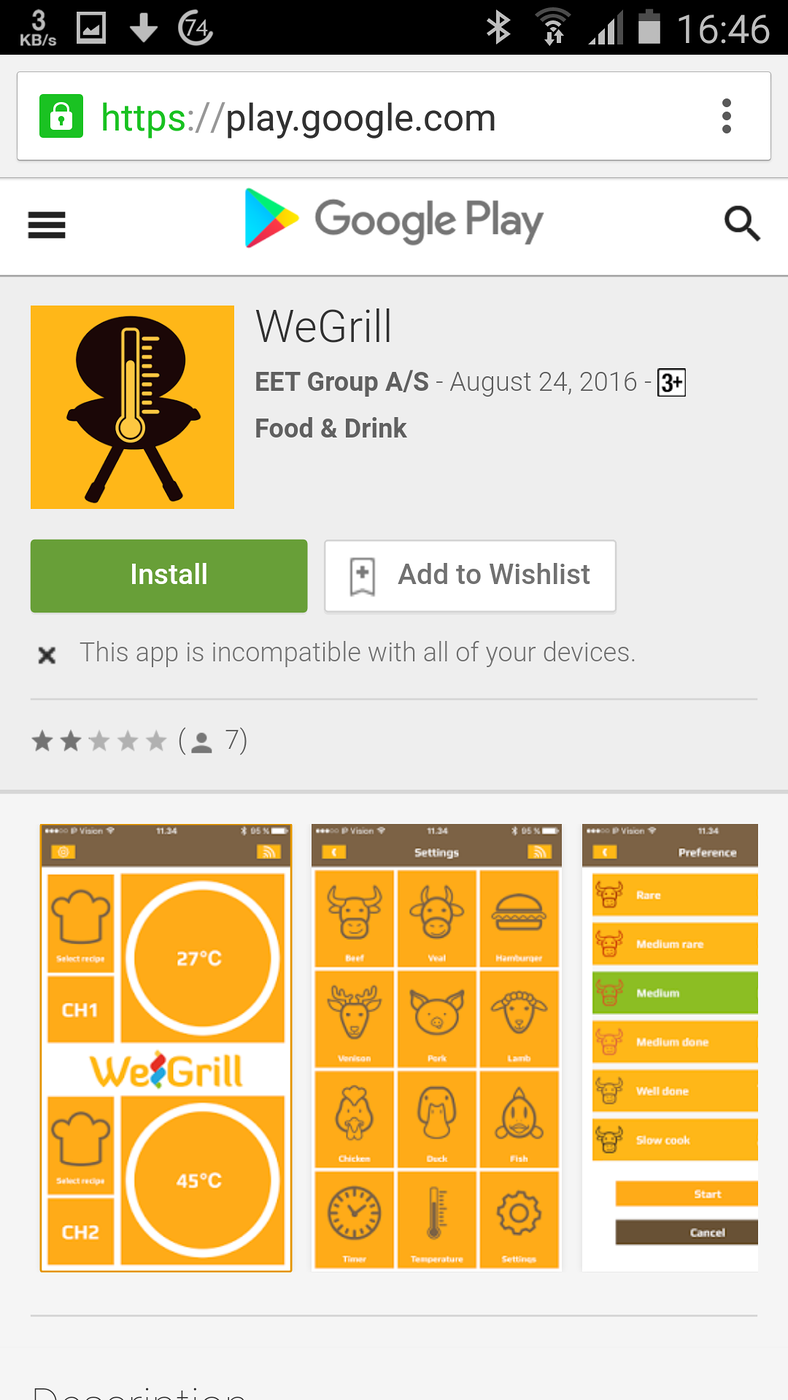
This app is incompatible with all of your devices
Now that I knew more about the app, I could get to it from the Google Play app on my phone. This gave me another crucial bit of information.

The item is not available in your country
Armed with this information, I was able to give the developers sufficient detail to fix the problem. Unfortunately, the head of the team was away in China at the time, so not too much happened until he got back to Europe. Evidently, they had restricted the app's use to the EU, not realising that their world wide partners were also selling the device.
Finally, earlier in this week, I received the news that the app had been fixed.
Using the thermometer
This is the actual reason for me writing this note, as it is not trivial to use this device. The pamphlet that comes with it is a bit light on detail.
When you start the app, this is the first screen you see:
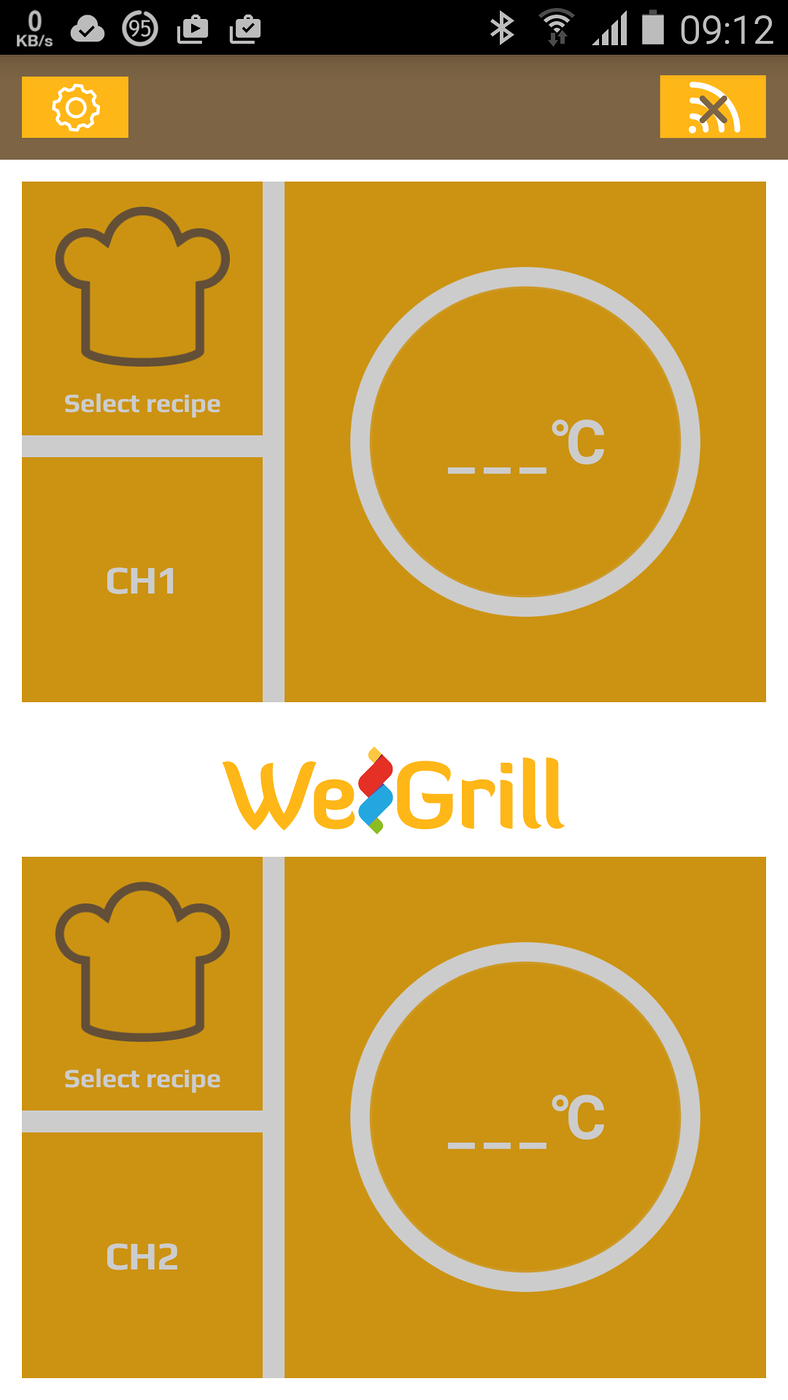
The opening screen of the WeGrill app
In the top right hand corner, note the connection icon has an X on it.
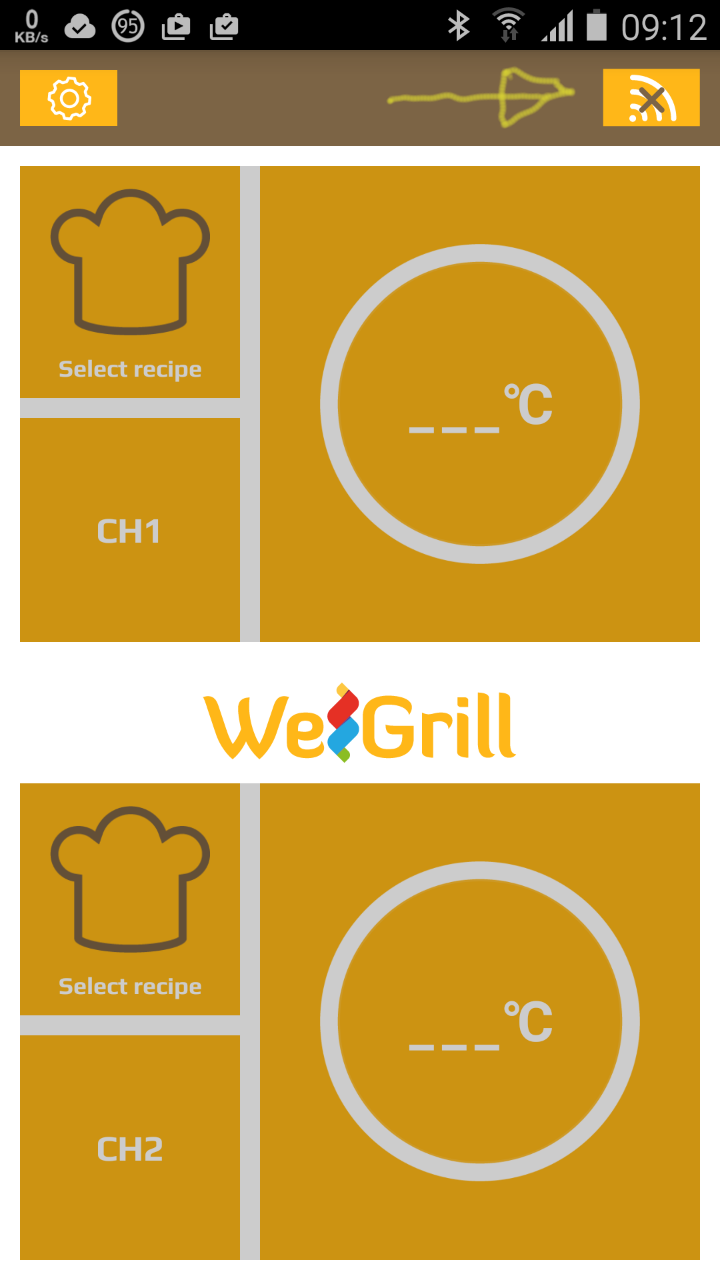
The X on the icon on the top right of the screen showing that the device is not connected to the thermometer
Make sure the phone's bluetooth is on and tap on this icon. You will then get the following pop-up on screen:
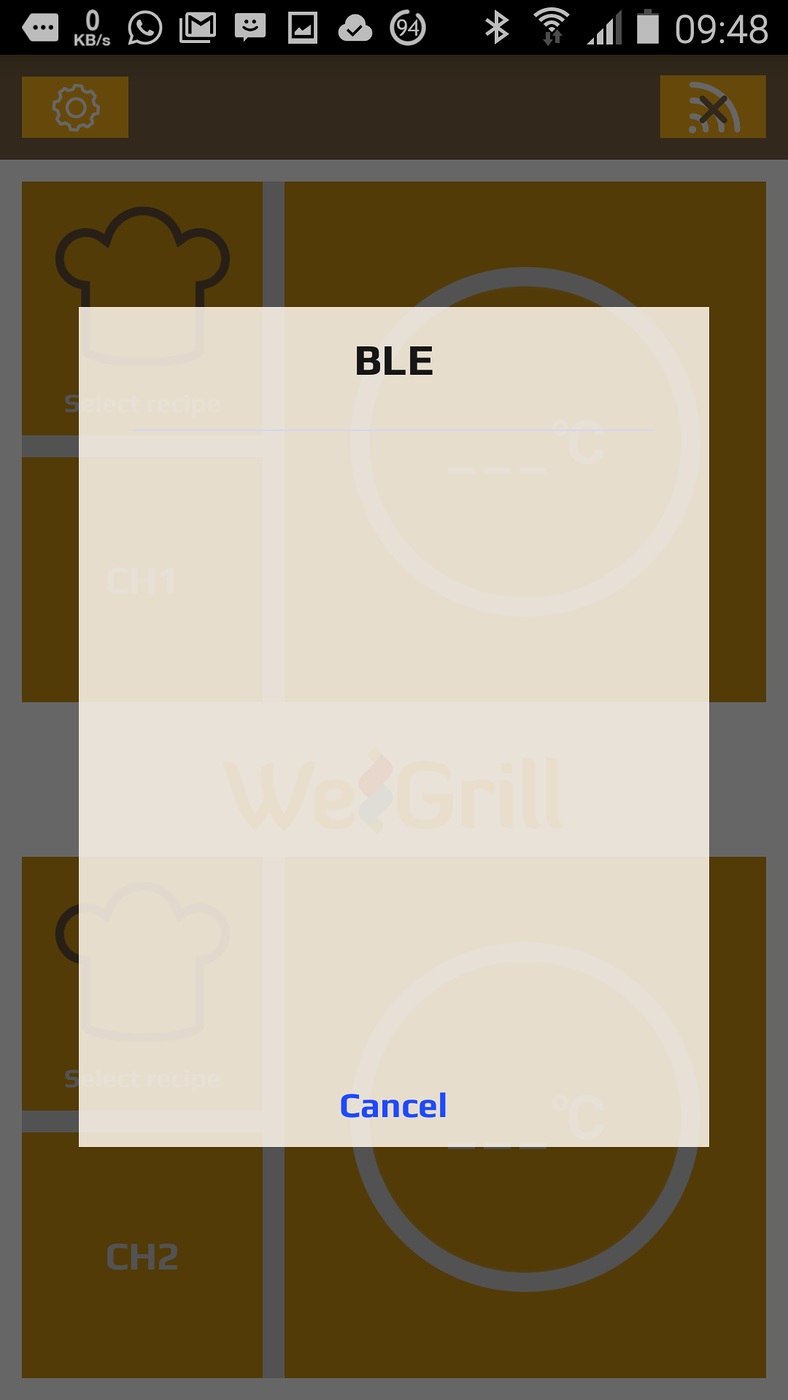
The pop-up screen after tapping on the icon
At this stage plug the probe into one of the ports of the WeGrill device, and tap on the central button on the device. An orange light will rotate around the button on the device (it is trying to pair via bluetooth, with the WeGrill app). The pop-up screen on the phone will change to the following:

The pop-up screen after turning on the probe's bluetooth transmitter
Tap on the word "Disconnect". The pop-up screen will disappear, the X on the connection icon will disappear, the rotating light on the bluetooth device will become stationary (a bluetooth connection has been achieved) and after a few seconds, the app will display the ambient temperature.
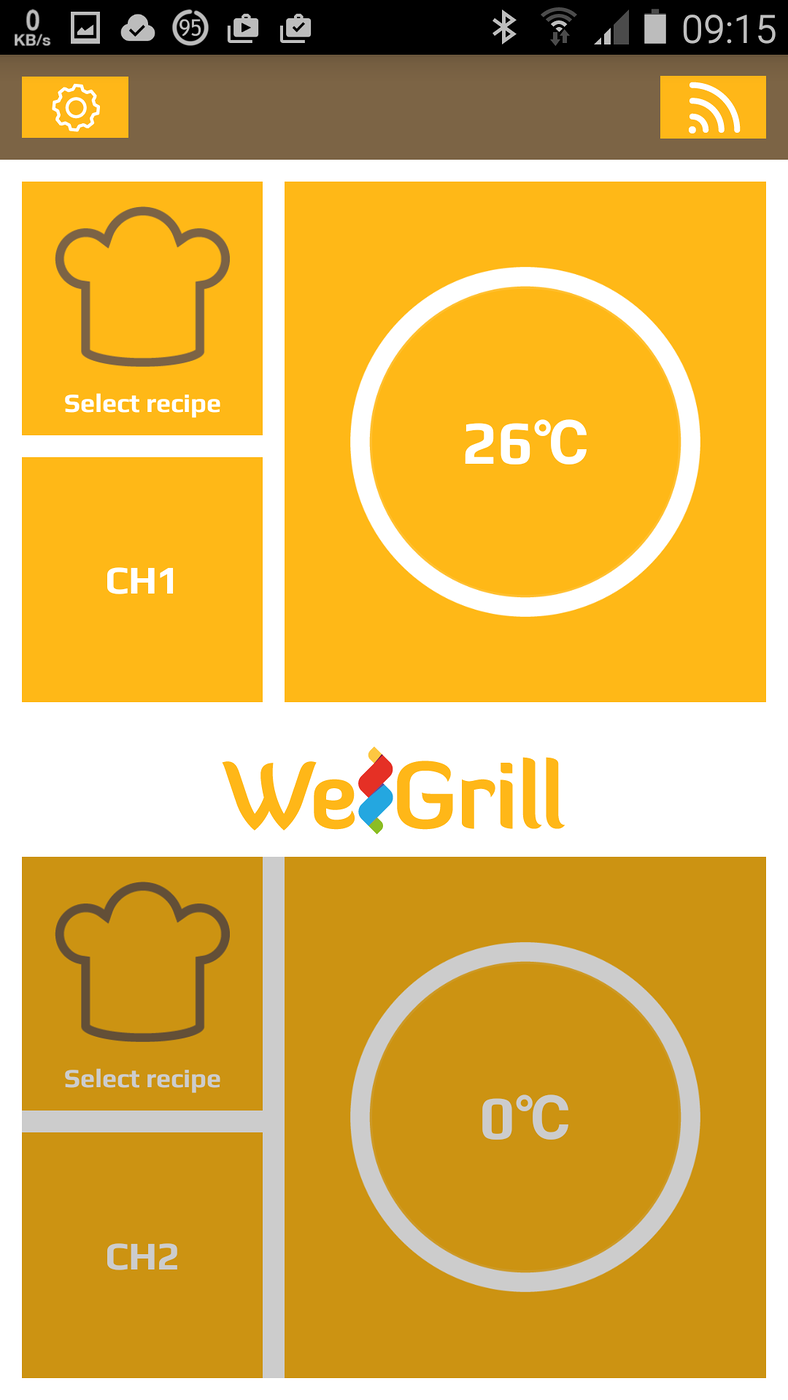
The WeGrill app displaying the ambient temperature
If you tap on the connection icon now, you will get the following pop-up screen:
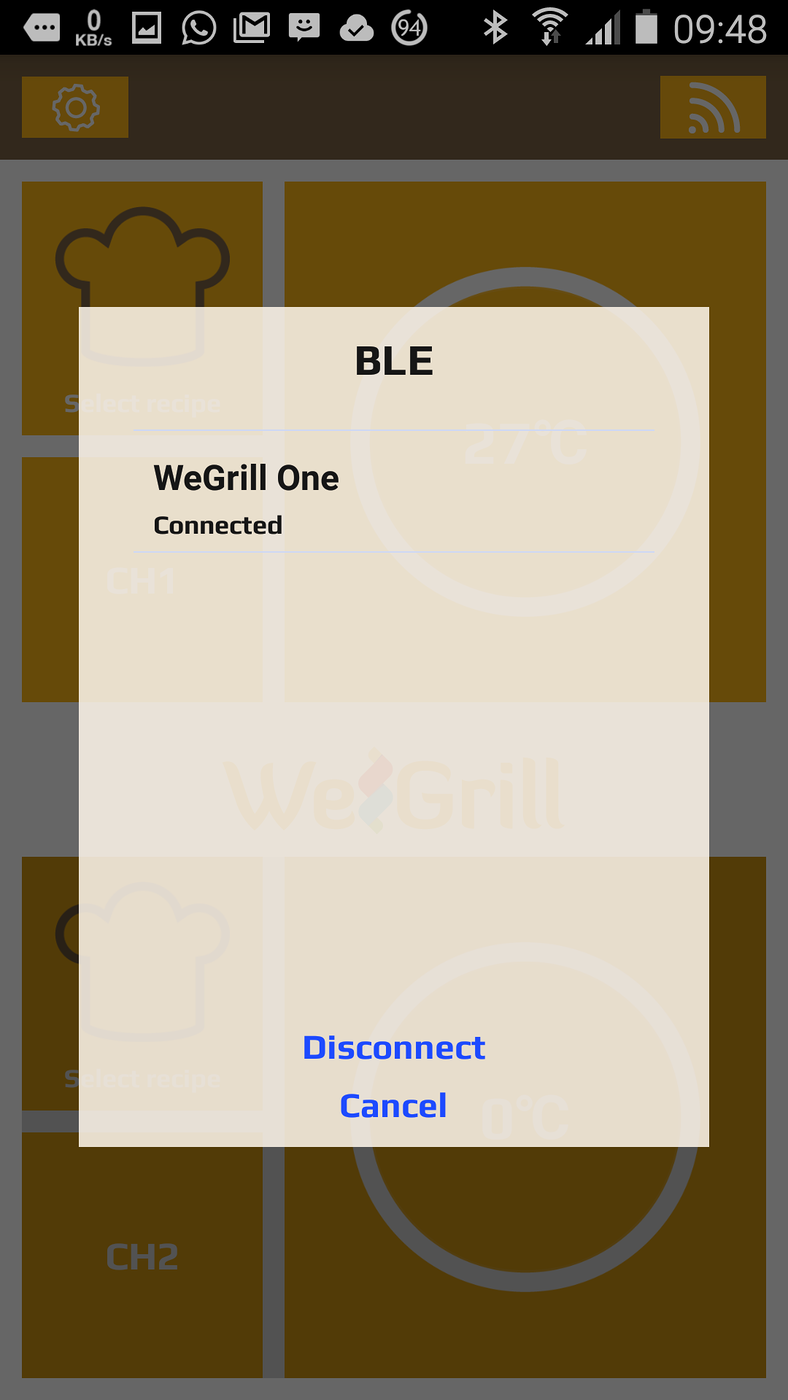
The WeGrill app pop-up window with an active blutooth pairing
You can tap on the word "Disconnect" at this stage to disable the bluetooth pairing.
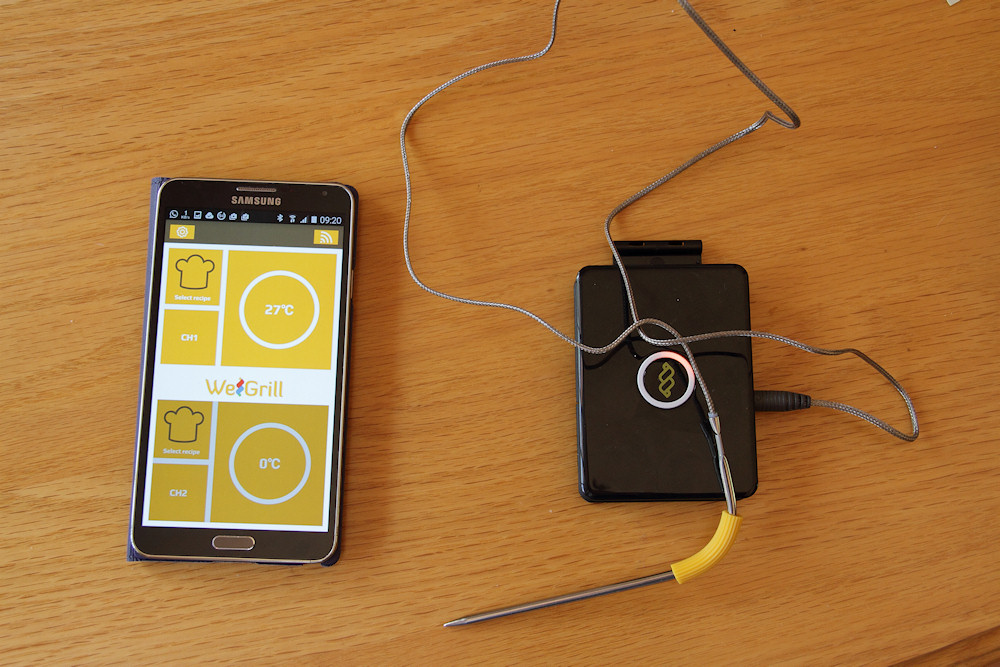
My Note 3 connected to the thermometer via bluetooth
Note the light around the emblem (the button) on the bluetooth device. That light rotates while the bluetooth pairing is being attempted.
There is more to the app, but I have not yet had time to explore any further.
Notes
- On Android, the app is restricted to phones. It will not install on any of my tablets. I may try installing it on my N8000 via Titanium Backup.
- The bluetooth transmitter requires that the phone has a bluetooth v4.0 and up chip. This unfortunately, excludes my Note 1 (N7000), but does work with the Vodacom Smart Kicka (vf685). As the vf685 is a rather restrictive device to use as an everyday phone, I may use it as a dedicated monitor for the thermometer.
- The device certainly looks as though it could be useful in measuring temperatures on brew day, but the bend in the probe may make it a bit awkward to use.
Update
Recently, I had a flame out in my gas braai, which destroyed the probe. I am now trying to find a replacement probe, but the company which was marketing this device no longer have it in their catalogue. I will see whether they respond to an email.
(updated: 6 April 2019)
Update
The company, EET Europarts, didn't even have the decency to respond to two emails sent to different email addresses. I would avoid this company as their after sales service is non-existant.
(updated: 12 July 2019)
Back to Android.
