Android Hardware
Bluetooth Keyboard
Introduction
An external keyboard is very useful when typing largish documents on a tablet. The on-screen keyboard takes up a lot of screen space. When an external keyboard is connected Gboard only has its word suggestion bar across the bottom of the screen.
When I bought my Samsung Note Tab 10.1 (N8000), I received a Rapper bluetooth keyboard, mounted in a cover for the tablet, as part of the package. Unfortunately, this keyboard interfered with the S-pen's communication with the tablet, so I didn't use it. Recently, I started using this keyboard again mainly for writing webpages on my Samsung Tab A9+ which does not have an S-pen. However, a major frustration with this keyboard was that it would sometimes miss keystrokes or type double and triple characters on a keypress.
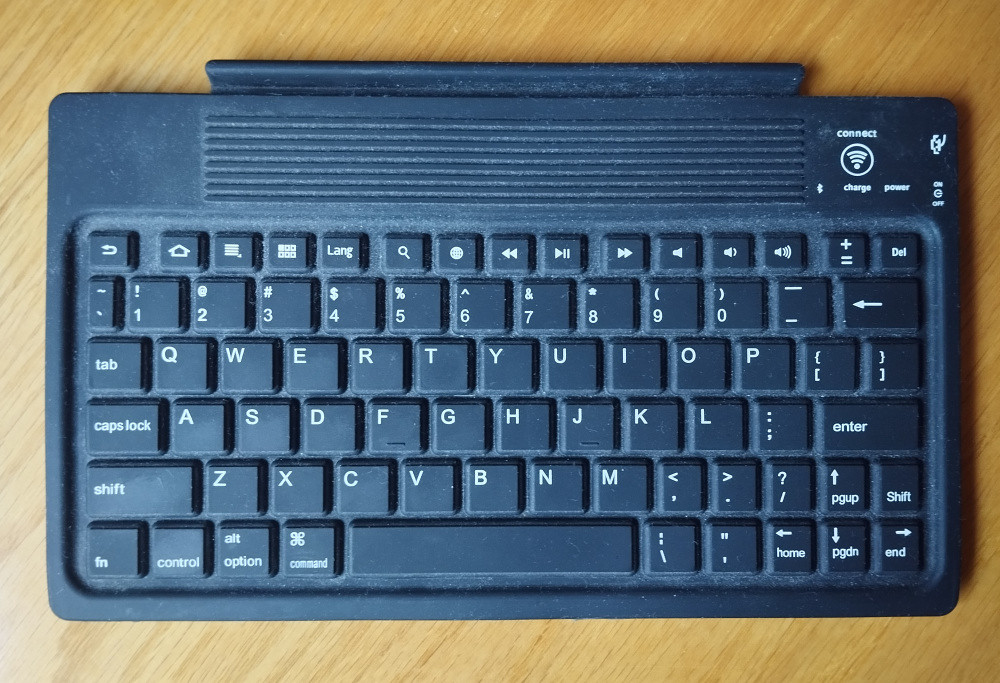
The Rapper keyboard
I had removed the Rapper keyboard from its cover and glued a cardboard base on the keyboard case to protect the motherboard.
Francois gave me a small keyboard which also suffered from the same problem as the Rapper Keyboard, with missing/excess characters. This mini keyboard was also a bit small, more suited to thumb typing than finger typing. Thumb typing is difficult with multi-key sequences such as those requiring shift and control keys.
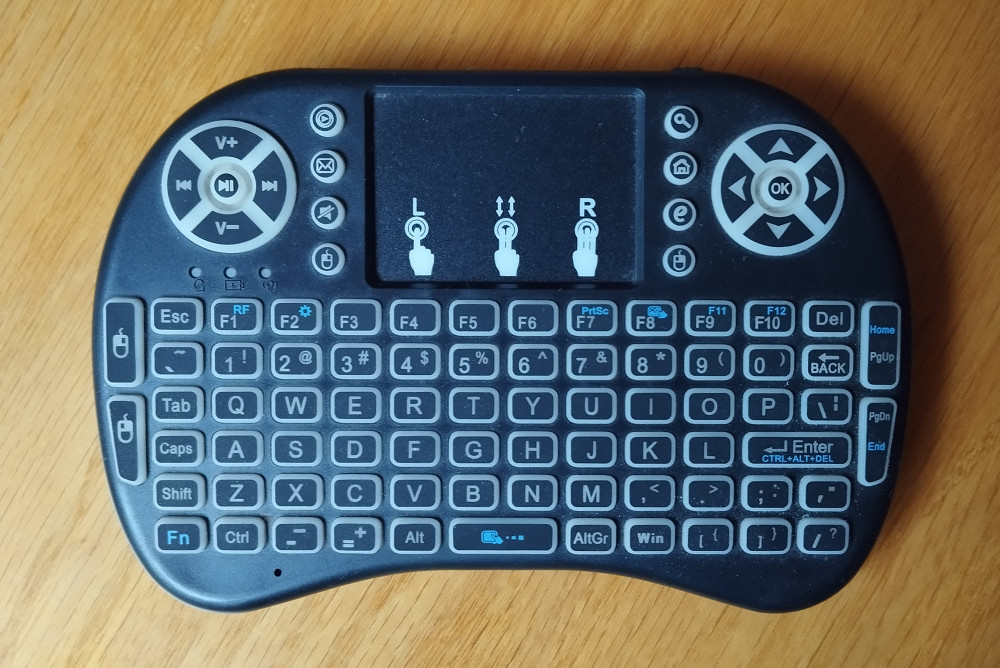
The mini keyboard
Another disadvantage of this keyboard was that it uses a dongle to connect to the tablet. This meant that the USB port was not available for my flash drive, which is how I port webpages between devices. This keyboard is better suited for communicating with a Smart TV or TV box.
Francois received a very nice keyboard with his Honor Pad X9 tablet, so I started looking for a similar keyboard.
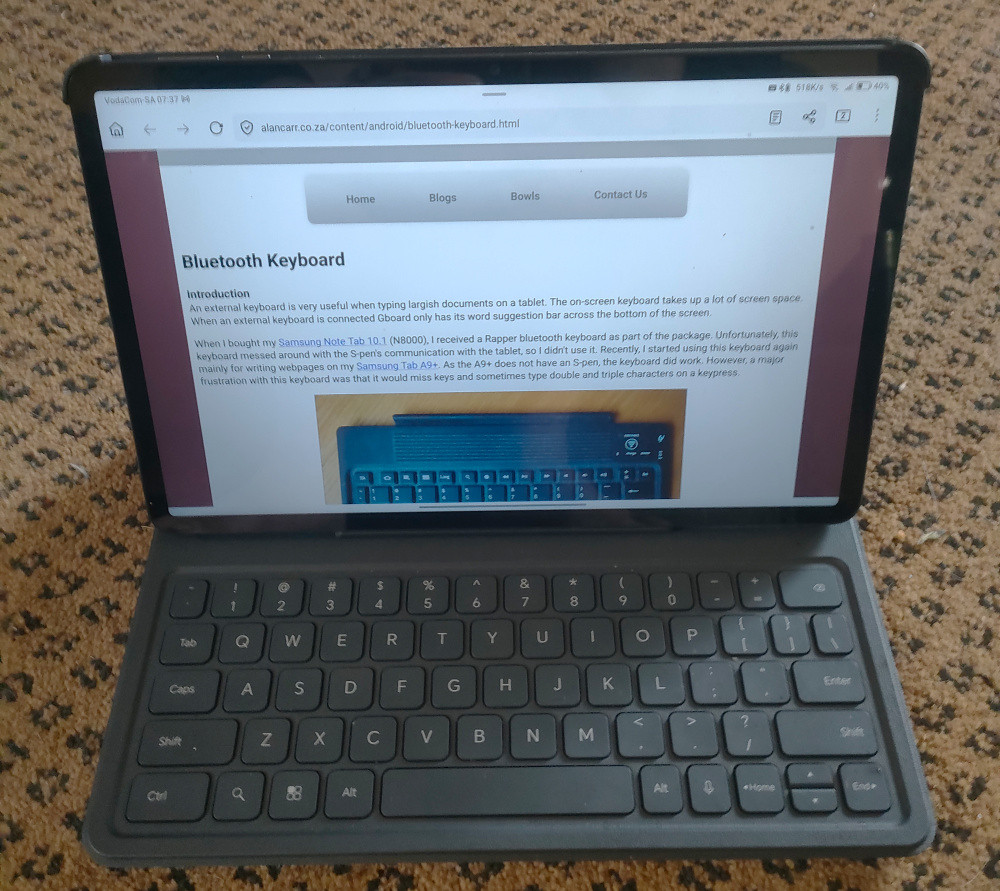
The Honor Pad X9 and its keyboard
I found a keyboard on Takealot where the keys actually looked like keys on a desktop keyboard, so I decided to buy it. There were only a couple of reviews, but these were positive.
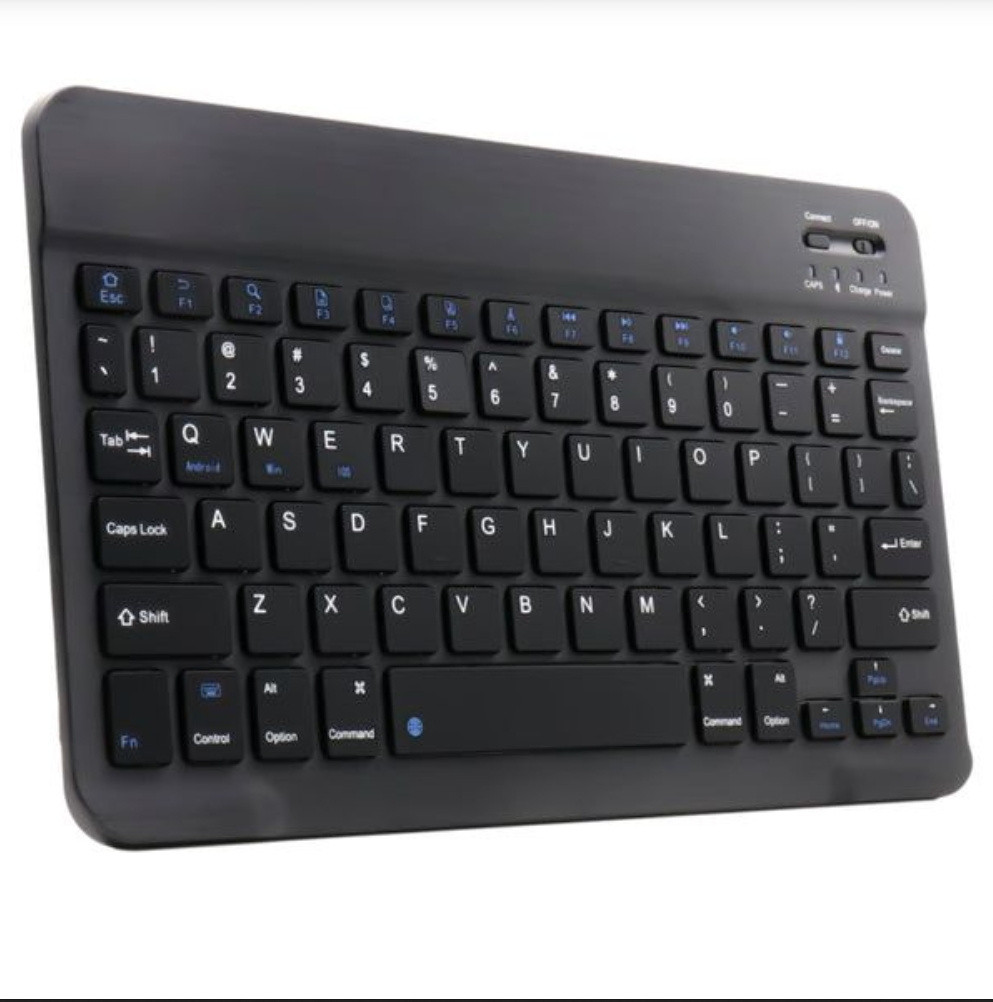
An image of the keyboard from Takealot's sales blurb
There are several colour variations of the keyboard. I chose white as for some reason it was cheaper.
The keyboard
The keyboard comes wrapped in a plastic bag in a box which includes an instruction manual and a short USB-C charging cable.
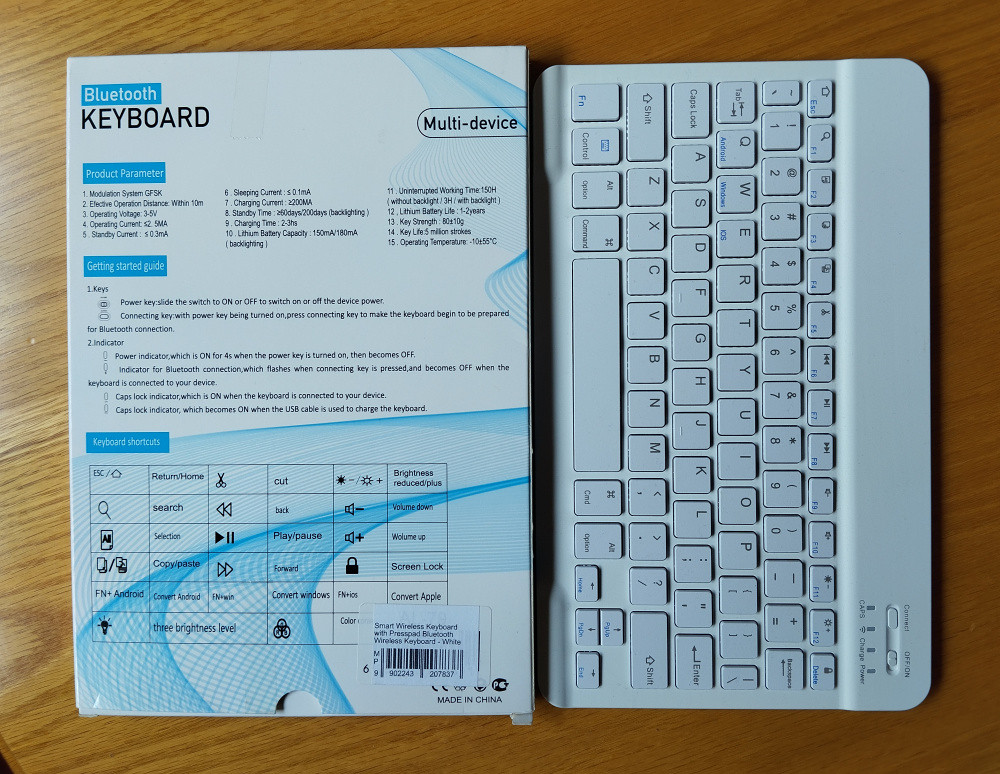
The keyboard with its box
I have deliberately shown the back of the box as most of what you need to know to get started is written on the box.
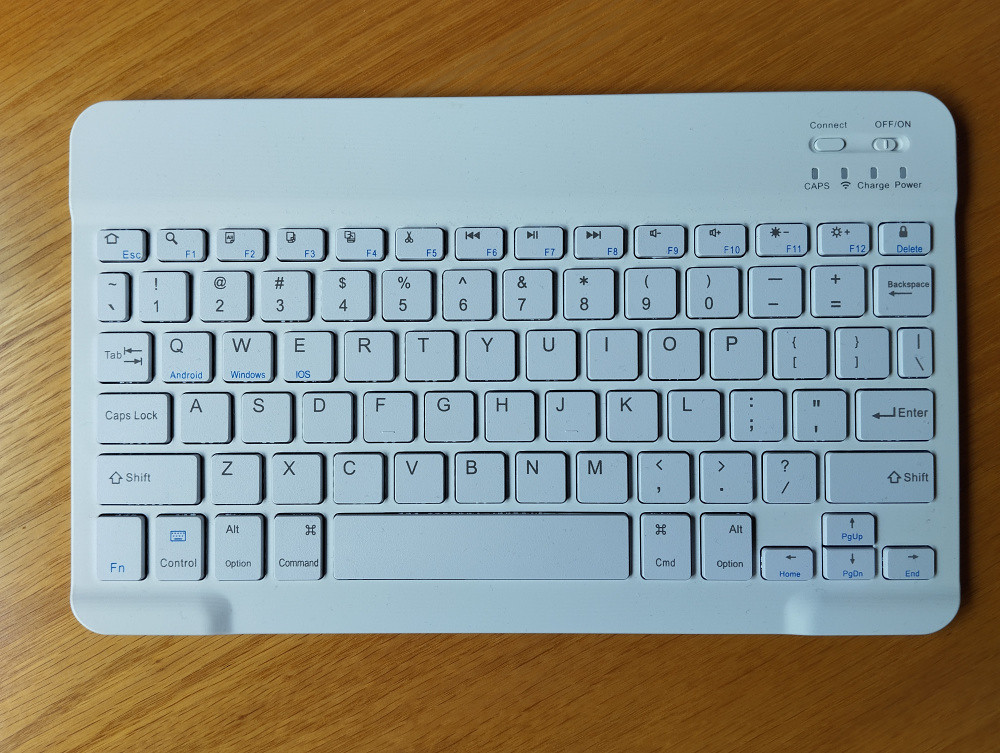
The keyboard
As you can see from the pic, the keys are individually mounted and not part of a keyboard skin. The springs below the keys have a nice feel when typing. For scale, the main keys are roughly 1cm squares. It weighs 159g, and has a plastic cover with an aluminium backplate. The thickness of most of the keyboard is only 5mm, so it does feel a little flimsy.
There are a series of keys shared on the function keys of the keyboard. These include copy, cut and paste, but I prefer to use control key sequences as I am used to them. The brightness keys (F11 and F12) both work as do the video and audio control keys (F6 to F10). The Fn button must be used to access the function keys.
The keyboard does go to sleep after 10 minutes of inactivity. It can be woken by typing, although the first few characters may be lost.
I have found the following oddities with the keyboard and its instructions:
- The sales blurb on Takealot mentions a "Presspad" - I have no idea what this is as it is not mentioned on the box, nor in the instructions;
- The box mentions a backlight which can reduce the keyboard's run-time from 150 hours down to 3 hours - I cannot find where to activate this backlight;
- The keyboard has keys marked Android (Q), Windows (W) and iOS (E) - I have no idea what these keys are supposed to do;
- According to the instructions, there is supposed to be a key to switch languages - I cannot find this key; and
- There is a key to switch to the on-screen keyboard (on the Control key), but all this does is remove the word suggestion bar from Gboard on the tablet screen.
These oddities do not influence the way I use the keyboard, so are not an issue for me.
Concluding remarks
The only thing I don't like about this keyboard is that the Del key is a combination keystroke with the Fn key. The Del key shares the button with the Screen Lock key, and on numerous occasions I have found myself with a black screen after trying to delete a character.
The feel of the keystrokes is positive and you can work up quite a speed once you are used to the smaller size of the keyboard. The size doesn't worry me too much as it is very similar to my Samsung NC10 netbook. I do like the two full size Shift keys.
The keyboard connection to the tablet via Bluetooth is very fast - I don't have to wait more than a few seconds to start typing after switching on the keyboard.
The battery life is good. I will add more information after I have charged it a couple of times.
I highly recommend this keyboard.
(14 November 2025)
Update
I have used this keyboard almost every day for two months and found the battery life to be as good as the claimed value (150 hours). A hint that the keyboard needed charging was when it could not keep up with my typing speed.
(8 January 2026)
