Linux Operating System
Samsung NC10: SSD
Introduction
For a while now, Francois has been pestering me to replace the hard drive in the NC10 with an SSD. He said the speed upgrade would make a huge difference especially when the system has to write to the swap file. He replaced the HDD with an SDD in his Dell Inspiron netbook and added one to his Dell Inspiron 15 laptop a couple of years back. He said he could never go back to using HDDs as boot drives. With my recent brush with corona, I have had to use the NC10 more often than normal, so I decided he may be right.
I eventually took the plunge and bought the cheapest SSD I could find on Takealot.
Installation
There are many "wise" words on the web about how to replace the HDD in the NC10 (most having nothing to do with the NC10) but this Youtube clip gave the essentials on how to remove it.
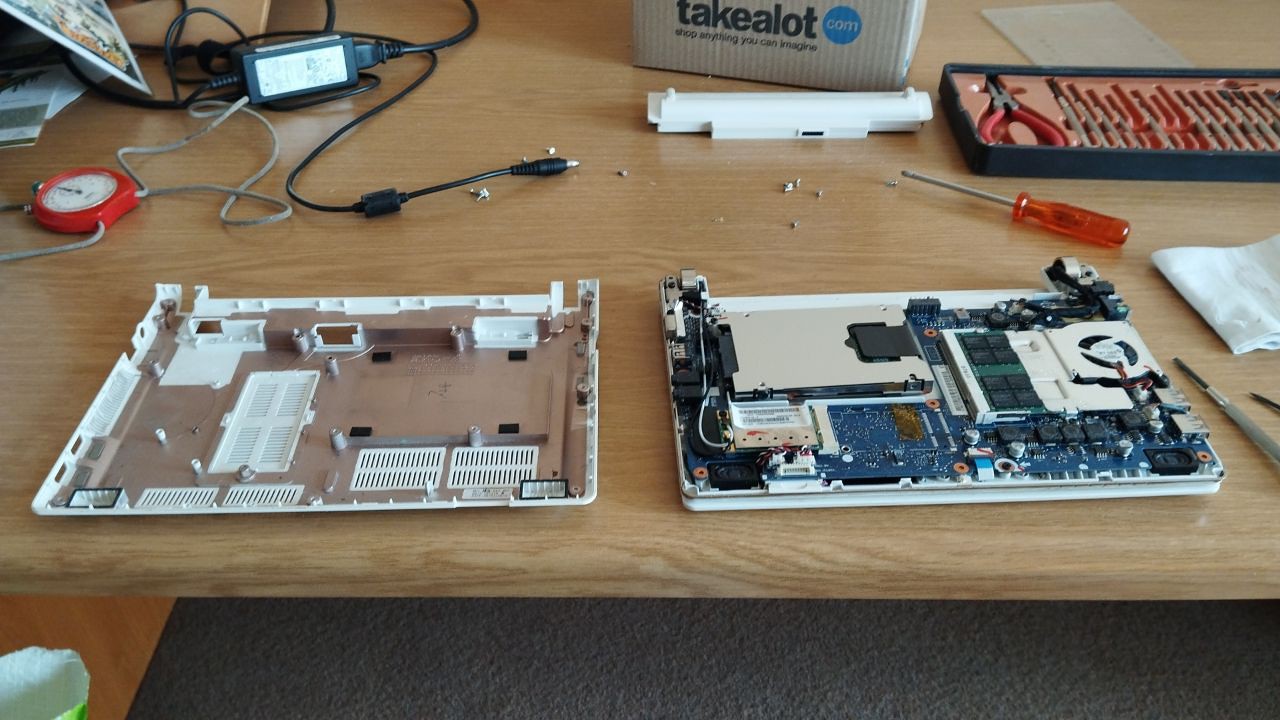
Samsung NC10 ready to remove HDD
As mentioned in the clip, there is one screw which secures the disk to the NC10's chassis.
The HDD has a metal enclosure which has to be removed and attached to the SSD. This enclosure is held in position on the drive by two screws.
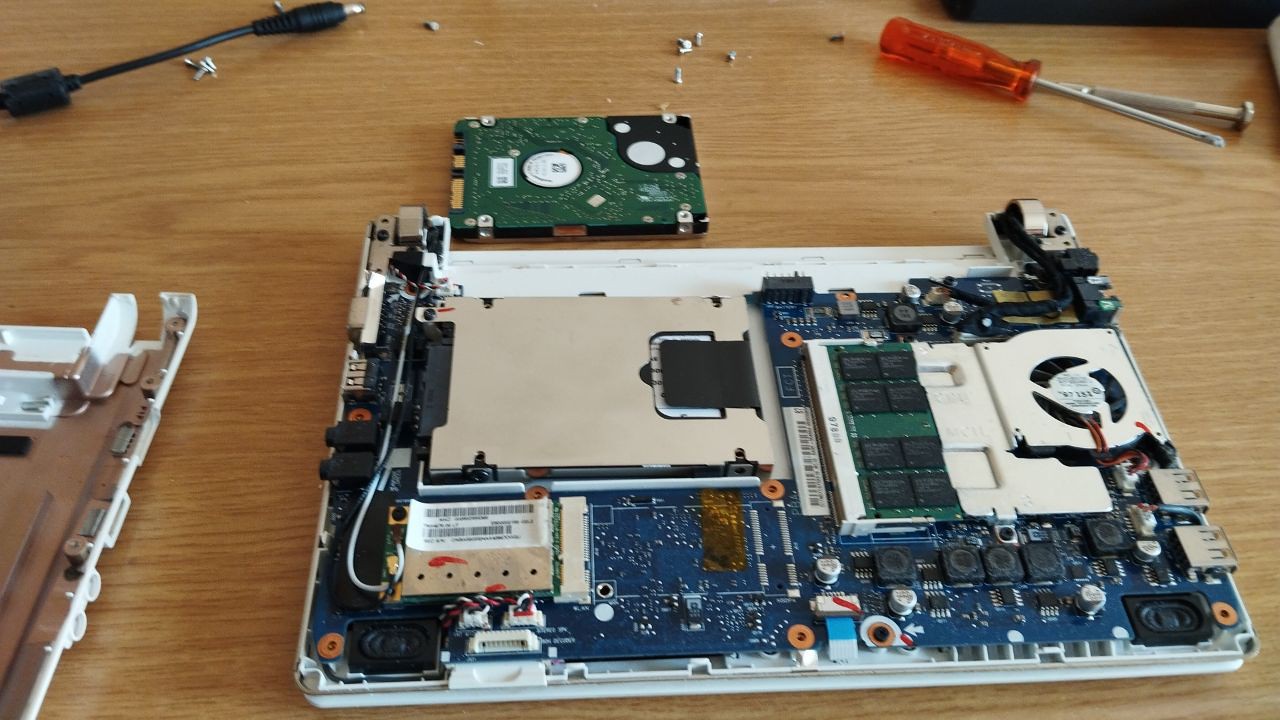
Samsung NC10 with the SSD mounted
It was easy enough to put everything back together. This meant it was time to install the OS (again).
Timing
Before swapping out the HDD, I timed a few events in order to be able to compare the improvement (if any) due to the SSD. In order to have reproducible starting points for an event, I used either the ENTER key or a mouse click to initiate the timing event. For the timing, I used my old mechanical Tag Heuer stopwatch
In order to have a comparable system, I first installed BlueMan and Geany onto the new OS on the SSD, I set up both to work as I wanted. I then set up Firefox by first installing uBlock Origin and then changed the Firefox settings to open tabs from the previous session when it was started. The three web pages to be opened were: this web page; my Fotki image web page; and a page that I used for obtaining info from the web. I also set up the Compose Key, as this may also influence timing events.
Both the dongle for the wireless mouse and a USB flash drive were inserted into USB ports before login credentials were entered.
| Event | HDD (s) | SDD (s) |
|---|---|---|
- A: Time taken from pressing ENTER at the grub screen until the Login dialog had loaded;
- B: Time taken from pressing ENTER after the login credentials had been entered until the panels had loaded completely;
- C: Time taken for Firefox to load (from the Xfce bottom panel) until the web page on the active tab had completed loading;
- D: Time taken for Thunar to load after double clicking on the flash drive icon on desktop;
- E: Time taken for Geany to load after double clicking on an html file from within Thunar (Thunar had been set to open Geany from html files by default).
Final Thoughts
Francois was right, the SSD does make quite a difference to the speed of the NC10. From the table above you can see that the load times of everything except Firefox was less than half of that found using the HDD. The Firefox timings are influenced by the speed of the Internet download, so is not quite fair.
Two added advantages were: firstly that the projected battery run time had been extended by more than half an hour (from 2h20m to 3h7m); and secondly, the machine was much cooler to the touch after switching it off - Conky reported a temperature of 44°C, down from 55°C with the HDD.
(updated: 15 May 2024)
